



 June 6, 2024


The transcript of AI & I with Steven Johnson is below for paying subscribers.
Timestamps
- Introduction: 00:00:53
- The roots of Steven’s obsession with organizing ideas: 00:04:47
- Steven’s belief in being receptive to organic connections: 00:08:16
- NotebookLM’s north star: 00:11:16
- How Google Lab’s note-taking app respects copyright law: 00:14:02
- Using NotebookLM to analyze highlights from books that Steven has read: 00:16:17
- Steven’s personal approach to curating valuable information: 00:19:02
- Why NotebookLM shows restraint when it is asked to speculate: 00:21:51
- Using the model to co-create the beginnings of a documentary: 00:29:13
- NotebookLM generates the opening script: 00:52:54
Transcript
Dan Shipper (00:01:17)
Steven, welcome to the show.
Steven Johnson (00:01:18)
Thanks very much. And it's great to be here.
Dan Shipper (00:01:20)
Honestly, I'm so excited to have you. You're such a great writer. I love your writing. And you're also kind of in this interesting intersection where you're doing incredible writing and you're also working at Google. I feel like I'm jumping the gun a little bit, but for people who don't know, you are the bestselling author of How We Got to Now and Where Good Ideas Come From and a bunch of other books—I think 13 other books. You just wrote a new book, which I have right here, called The Infernal Machine. And if that wasn't enough, you are also the editorial director of NotebookLM and Google Labs—NotebookLM is Google's AI research product. And I'm so excited to have you here.
Steven Johnson (00:01:57)
Oh, this is really great. We actually have some kind of news to break as well. So it's going to be really fun.
Dan Shipper (00:02:05)
Yeah. So, by the time this podcast comes out, a new version of NotebookLM will be out and, on the show today, we will be demoing all those new features. We'll talk about how you used to write your last book and then talk about how we can use the new features to maybe write a new book or find a new book concept for you. So, I'm curious, before we get started, talk to us a little bit about what NotebookLM is.
Steven Johnson (00:02:27)
Yeah. It's a tool that we've been developing for about the last two years at Google Labs, which is this wonderful new division inside of Google that is really designed to build your ideal research and writing software knowing that you have, from the very beginning, a language model at the core of the product, right? So, we really began this in the age of large language models knowing that there was going to be a possibility to build entirely new kinds of software. It wasn't just about adding some AI to a word processor, adding some AI to a photo editor. This is about what can you build that's a genuinely new kind of surface to work with? We can talk about a little bit, but the obsession in my life with using software to help me with organizing my ideas, organizing things that I read, and turning those ultimately into books or into TV shows or whatever. It's just been an obsession of mine for 30 years or longer even, really, and so Google's got very interested in this process of co-creating with people. So not just kind of sitting around and building products and then handing them over to writers or musicians, but actually having a writer or musician in the room from the beginning with the project.
It's a big part of the Labs ethos in particular. And so they called me a fun day two years ago. They were like, hey, would you be interested in maybe helping us build this thing you've always wanted? And that was an easy yes. And so, yeah, we built a very early prototype and I think because I've been in part because the technology was suddenly available with language models and because I've been sitting on these ideas for so long, we were able to build a pretty quick prototype and that got a bunch of interest internally. And we launched NotebookLM in the U.S. in December of last year. And today we are announcing that we are rolling out to over 200 countries around the world. So we're really excited about that.
Dan Shipper (00:04:44)
That's amazing, and I just want to go back. The thing that really sparked my attention at the beginning of this is sort of this obsession with organizing your ideas and using those to produce previous work, because I feel that same thing. I'm a nerd for that stuff. And I just want to understand. Tell us about that obsession or what some of those ideas are like. What are those things that you've always wanted that are kind of starting to come through here?
Steven Johnson (00:05:11)
Yeah. I mean, it actually dates back— I'm going to really date myself here, which is that one of the things that changed my life, truly changed my life was when I was a sophomore in college in the fall of 1987, Apple released something called HyperCard, which was this crazy app. I always say it was a little bit like the Velvet Underground of software. It never really had a hit, but it influenced all these other people. And it was basically a prototype web-like hypertext system where you could organize information pretty much any way you wanted and make links between it. And I just got obsessed with the idea that I could use this tool as a place to kind of keep all my notes from my classes.
And I kind of built this little application that I called Curriculum that was kind of a way of taking notes for classes and I spent way more time building the tool than actually using it to take notes for classes. And I kind of stopped going to the classes for a while because I just wanted to build the tool, but it was one of those things. It just gave me a taste. It wasn't ready in any way for primetime use, but I got a sense of the possibility. And then obviously when the web came along, I kind of jumped on that maybe a little bit earlier than some people, because I lived briefly in the world of HyperCard and early hypertext. And then about 20 years ago, there was a program that I wrote about a lot, actually, a wonderful program, way ahead of its time, called DEVONthink. And it's still around, actually. It's a really cool application and it enabled me to keep all these quotes from books that I'd read. I would originally kind of type them in. And then when the Kindle came out, I could get the quotes digitally. And you could kind of make connections between quotes, or you could type something and say, what quotes in my research library are related to this? It had this associative early kind of semantic search. and I use that quite a bit on a lot of my books, like The Ghost Map. And I would have these moments where the software would recommend a quote that I had forgotten from an earlier book, and it would make a new connection in my mind that I hadn't thought of before. And I thought this almost feels like a partnership with the software, like I'm curating these quotes. So it's me and I know how to turn them into a chapter or a paragraph in a book. That's my intelligence, but the connection was really made by the software—that seems kind of new and tantalizing and weird, but also maybe very powerful. And so that was another taste that kind of got me along that way. And then when I first started experiencing what was possible with language models, starting with GPT-3, before I came to Google, I thought, oh wait, now it's all really going to be possible. All this stuff is going to get very serious and very real. So that's the prehistory.
Dan Shipper (00:08:18)
And I'm curious, why do you think that every nerd’s dream is to have this interconnected note system that you can use to make stuff. Why is that so appealing?
Steven Johnson (00:08:29)
Yeah. This is true on so many levels, but there are different kinds of nerds. The thing I've always felt, and this is generally true of the way I organize my email as well, which is to say I spend zero time organizing my email. My principle has always been to create one place where you dump everything and then use smart tools like search and now all these language models to find what you need. Don't spend any time organizing anything, just throw it all in one place and focus on having the ideas and stuff like that. And so and I think Notebook—I mean probably to a fault— Notebook, I love, has been kind of designed a little bit with that principle. You can't tag your notes for instance. And we probably should have—people do like to tag things. And I just always like, I'm not going to spend a second tagging anything because I want the software to understand what categories— I don't want to put things in advance into buckets because I want it to be an open-ended connective system where I can make new associations or create new kind of clusters on the fly. And if I spend all this time tagging, I'm going to limit the connections that I can do. So, I'm on the side of emergent chaos, right? Don't organize it and just let things bubble up and figure out tools that will let that bubbling up happen. But then there's a whole other set of folks who really like to organize it and systematize it and have it all in these categories and things like that. And so hopefully we can ultimately make NotebookLM play well with both those groups. I think it's certainly within our power.
Dan Shipper (00:10:10)
Yeah, it's the top-down versus bottom-up folks. I'm definitely in the bottom-up camp with you. So, I'm excited to see Notebook. Let's roll into that. So give us a little bit of a tour of Notebooks. Because we're going to talk about how you used it for your latest book. So tell us a little bit about how Notebook works and then how you used it for the book that you wrote.
Steven Johnson (00:10:31)
Yeah, I'll just give you the basics. The idea is everything inside of NotebookLM is grounded in the documents you provide. So we may open this up a little bit over time. I think it's probably a logical thing to do, but unless you provide Notebook with what we call sources, the documents that are the source of truth for your project, the things that you're working on, and it could be everything from your journals to work documents or to research materials or quotes from books that you've read. You begin each project by opening up a Notebook and uploading sources. And at that point, once they're uploaded, the model, in a sense, kind of becomes an expert in the information you've shared, now this has become increasingly common. It was kind of a radical idea when we were first toying around with the two years ago. But the idea of having documents attached to a model like Gemini or ChatGPT has become increasingly common. But for ours you're always working with documents and the whole interface is designed to let you basically load a lot of different documents, move back and forth between those documents or potentially read those documents while you're working and not get into that flow that so many people I think are finding these days where they have 12 tabs open and they're grabbing some text from one tab and then pasting it into the chatbot and another thing. And then they're getting the output and they're saving it in another document. We want to have a single integrated surface where you can do all that work. So in a sense it’s designed to not interrupt your flow state, if you're thinking or writing or reading, you should just have one place where you can do that and not be like, wait, what was the tab that I had open where I had that quote that I wanted to use and that other thing? So, that's the kind of the underlying model. And if those of you are watching this, I have opened here, a Notebook that— This is kind of cool. This is my crazy Notebook. This is, this is where I have, all of the quotes that I have collected over the years for books dating back to something like 1999, I think it goes back to. So about 7,000 quotes that I've collected. So it's really my reading history, the things that were important to my books in the past. And they're lined up here as a bunch of different sources. This is kind of left over from the fact that we used to have a kind of a cap on how long the sources could be. So now you can have—this just changed a couple of weeks ago. In each Notebook, you can have up to 50 sources and each source can be up to 500,000 words, so you can effectively be talking with 25 million words in a single Notebook, which is just kind of mind-blowing. So these quotes are— I'll just open up one of them. I think there's something like 2 million words total—7,000 quotes, 2 million words, something like that. And—
Dan Shipper (00:13:50)
This is crazy. So, okay, these are all of the quotes from all of the books that you've read since 1999?
Steven Johnson (00:13:58)
Well, yeah. I mean, not all of the books, but yes, a significant amount. And so—
Dan Shipper (00:14:05)
This is very valuable. Can you just send me a Stripe link? How much do you want for this?
Steven Johnson (00:14:10)
And by the way, I should point out one thing that's really important here. So these are quotes, these are all books that I've purchased, right? And these are quotes that I've clipped increasingly using the Kindle, using the limits that are built into Kindles and the amount that you can quote and use. And it's really important to stress this, it is important for me as an author, we're not training the model on this information. We're just loading the information from these quotes into the context window of the model, the kind of short-term memory of the model. And we're using that to answer questions or be intelligent about it, so there's no chance that this information, which is under copyright, is going to be used to train the model or be shown to anybody else, and so you have this freedom to work with material. If you have the right to use it under copyright, you can use it inside of the Notebook. We spent a lot of time ensuring that that works. So, yeah, this is incredible— I'm just scrolling through this. For those of you who are listening, it's just an endless list of quotes and I'm just scratching the surface. And each source that we put in, we create a source guide that summarizes the source. Now this is normally extremely useful because generally a source is on a single topic and you can get a kind of high-level thing. It's crazy when you can give it whatever. This is probably 800 quotes in this one source on all these different topics. And so it creates a summary—this source explores the intersection of scientific advancement, societal impact and ethical considerations and how it's doing a very good job of trying to make some kind of pattern out of all this. But source guides for just quotes are not quite as useful. So now, at this point, basically, I can ask any question. And so I actually preloaded a question here. I'm going to close this source. I preloaded a question if we view the chat—
Dan Shipper (00:16:00)
And the question will be asked of all of these sources together.
Steven Johnson (00:16:04)
Yes, I can. You'll note that they're checked off here. So you can always tell this is a really subtle thing, but it's really important about it. It'll say down at the bottom, at the chat box, it'll say 15 sources. So that means you are currently talking to all 15 of your sources here. If I actually deselect this one for some reason, now I'm talking to 14 sources. And so you sometimes have moments where you’re like, actually, the information I want is only in this one document and I don't want to ignore all the other information. So you can actually shift the focus of the model to various different things really, really easily. So, I asked this question, “What are the most interesting facts about ant colonies here? Mention authors and specific books” because I actually wrote a book a million years ago called Emergence. We talked about the emergent approach to these things. And there was a big riff about ant colonies in that book, and the model is smart enough to understand this concept of like interestingness too and surprise. I often say, what's the most surprising idea here? Because you think about that as an author and the idea that that can be like effectively a search query is just totally bonkers. So, I'll just read this for people who are listening. So it comes back with, “Interesting facts about ant colonies. Ants use pheromones to communicate in various messages such as danger, food, location, and nest mate recognition. This complex chemical communication system allows ant colonies to function as a single unit or super organism.” That's fantastic. That is a great answer. And now this is new, by the way. So this is a brand new feature rolling out today. We're incredibly excited about it. We now have these inline citations. And so that shows you exactly the quote from the my reading notes that it used to generate this answer. And so you can just roll over them and you can see where the model came up with this. This one is from Norbert Wiener. That's pretty interesting. And you can see there are citations all over the place. And what's even cooler is you can—although a little bit in a way less useful for this project, we'll show it in another thing, but I can always click on those and it takes me exactly to the point in my documents where the original quote came from. So you have this ability to kind of get asked the model to help you get the lay of the land, like what's in here? I'm interested in this topic. What's there? And then because the sources are integrated into your Notebook itself, you can then dive right in and start reading. And so you can go through all these things. And then we also suggest questions based on what you just asked. So there's always something to just click on.
Dan Shipper (00:18:57)
Can I ask a question?
Steven Johnson (00:18:58)
Yes. Go right ahead.
Dan Shipper (00:19:00)
 Subscribe to read the full article
The Only Subscription
You Need to
Stay at the
Edge of AI
The essential toolkit for those shaping the future

"This might be the best value you
can get from an AI subscription."
- Jay S.
 Every Content
 AI&I Podcast
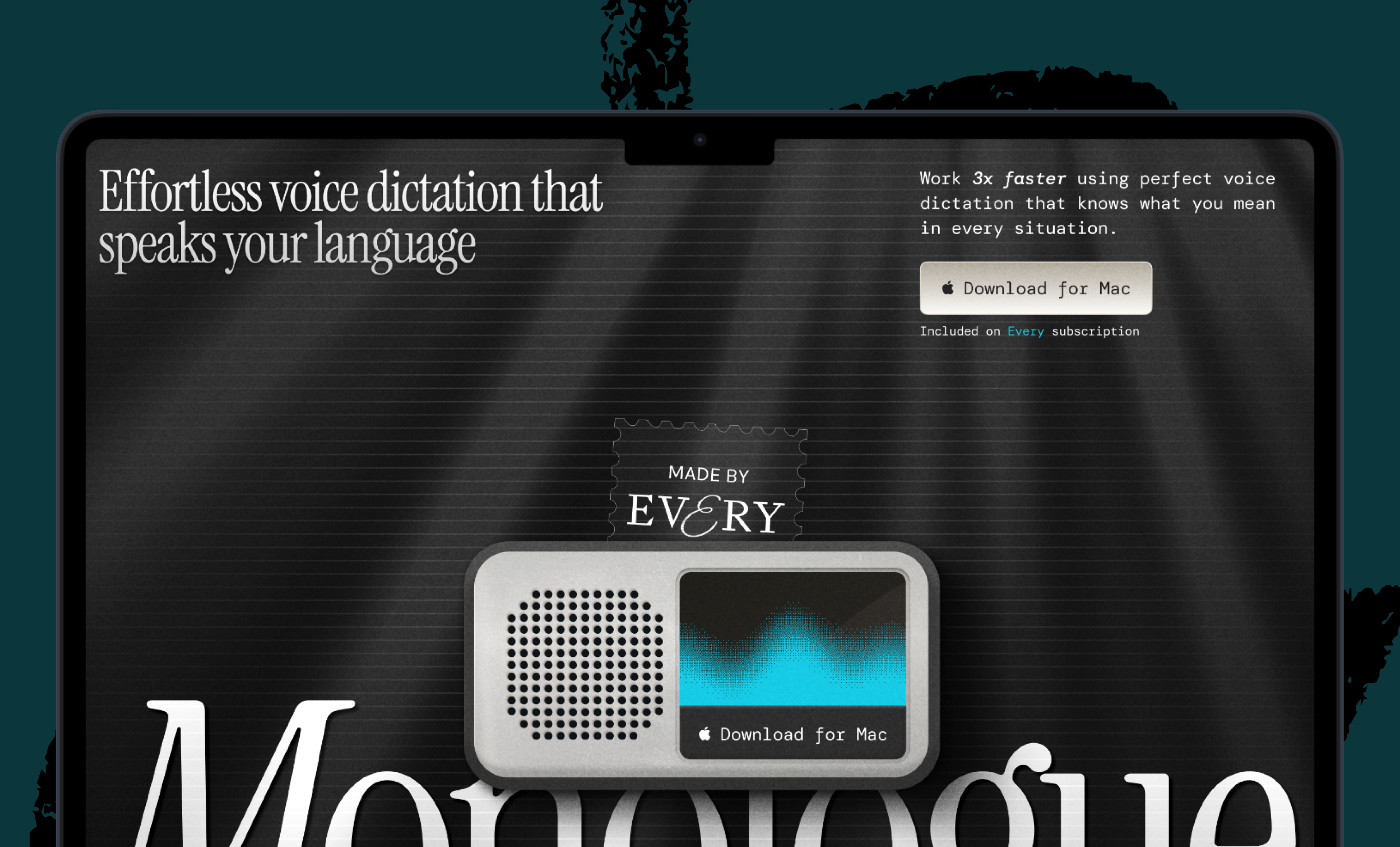
 Monologue
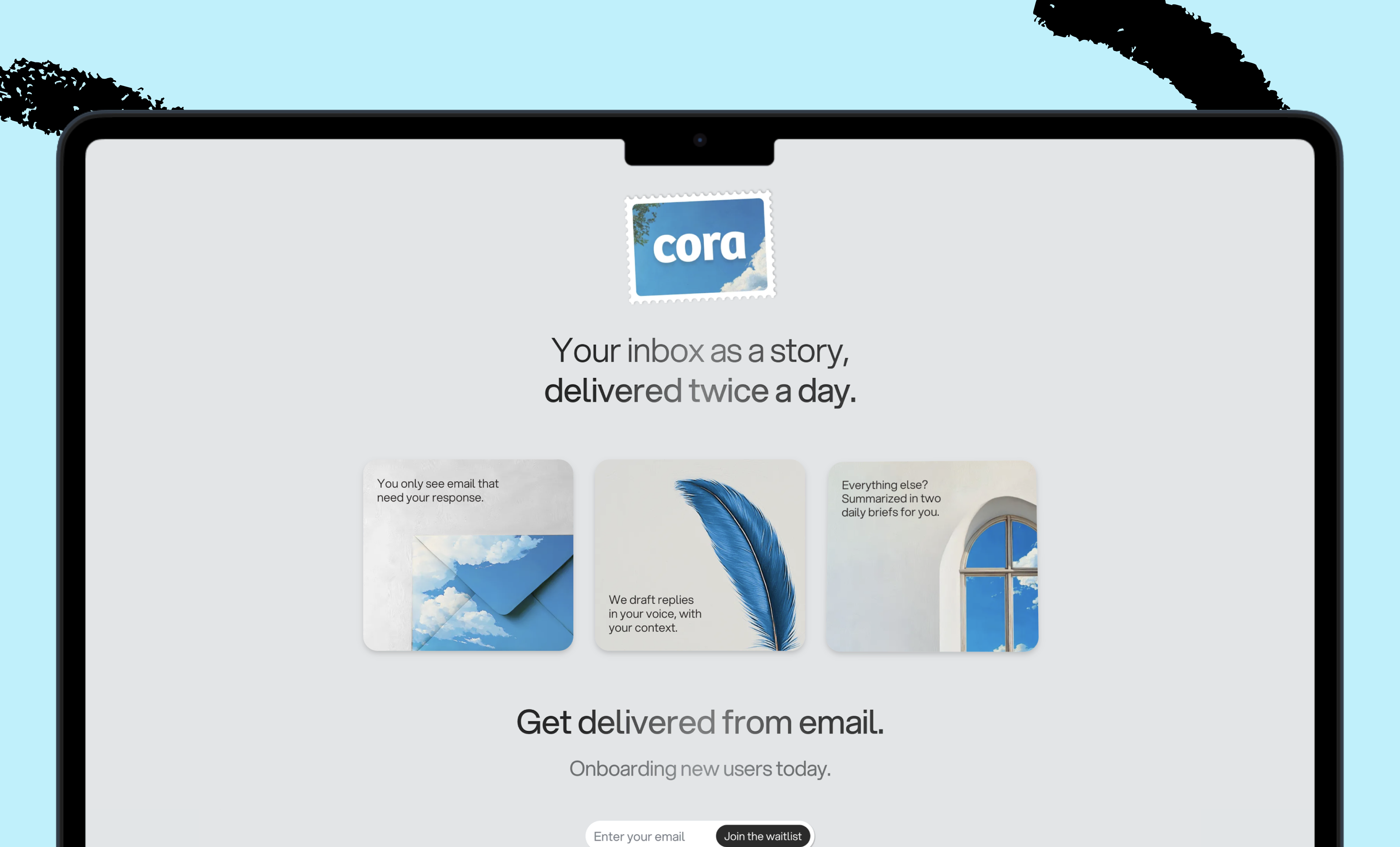
 Cora
Cora
 Sparkle
 Spiral
Join 100,000+ leaders, builders, and innovators

Email address

Already have an account? Sign in
What is included in a subscription?
Daily insights from AI pioneers + early access to powerful AI tools
 Front-row access to the future of AI
 In-depth reviews of new models on release day
Playbooks and guides for putting AI to work
Prompts and use cases for builders
In-depth reviews of new models on release day
Playbooks and guides for putting AI to work
Prompts and use cases for builders
In-depth reviews of new models on release day
Playbooks and guides for putting AI to work
Prompts and use cases for builders
In-depth reviews of new models on release day
Playbooks and guides for putting AI to work
Prompts and use cases for builders
 Bundle of AI software





 Rhea Purohit

 Dan Shipper
.png)
 Reviews of new AI models on release day